AI, a little closer to everyday life.
NOVA is a small conversation companion that helps you meet and use AI comfortably.
Before using NOVA,
here are a few things to know.
The campaign device requires the Dot Station app on iOS or Android for initial setup and control. It connects through Wi-Fi or a phone hotspot, and does not support standalone cellular connectivity.
Phone app and internet connection required
Campaign launch language: English
Campaign shipping region: United States
Based on campaign information. The contents and button guide below describe the V0 beta device.
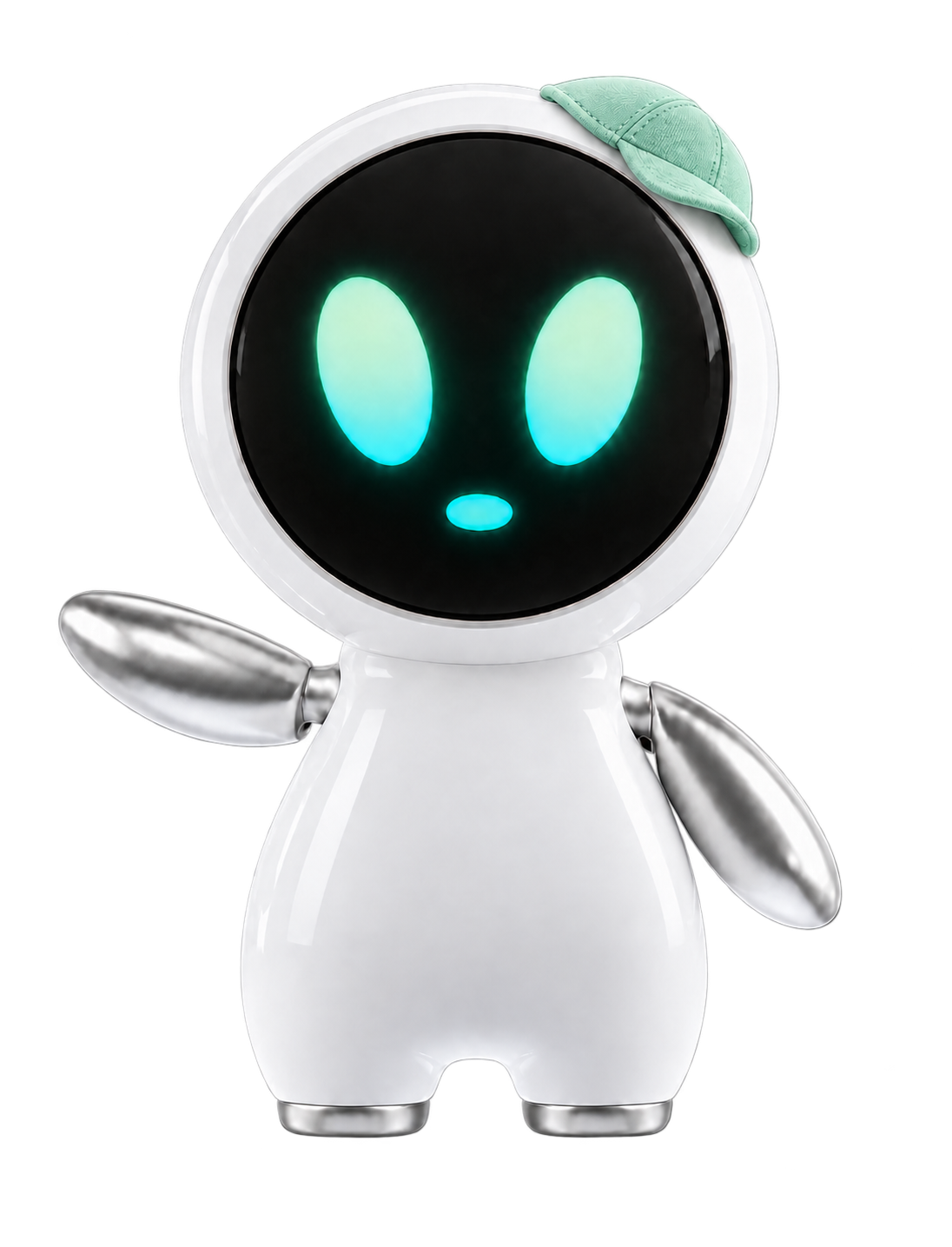
A friendly way to meet AI,
one conversation at a time.
Start talking and get comfortable with AI.
NOVA helps you use AI in everyday life through conversation.
What's in the box
IN THE BOXThe box contains three items . Please check that everything is included. Contact our KakaoTalk support channel if anything is missing or damaged so we can arrange a replacement. This website provides the manual; a printed copy is not included.
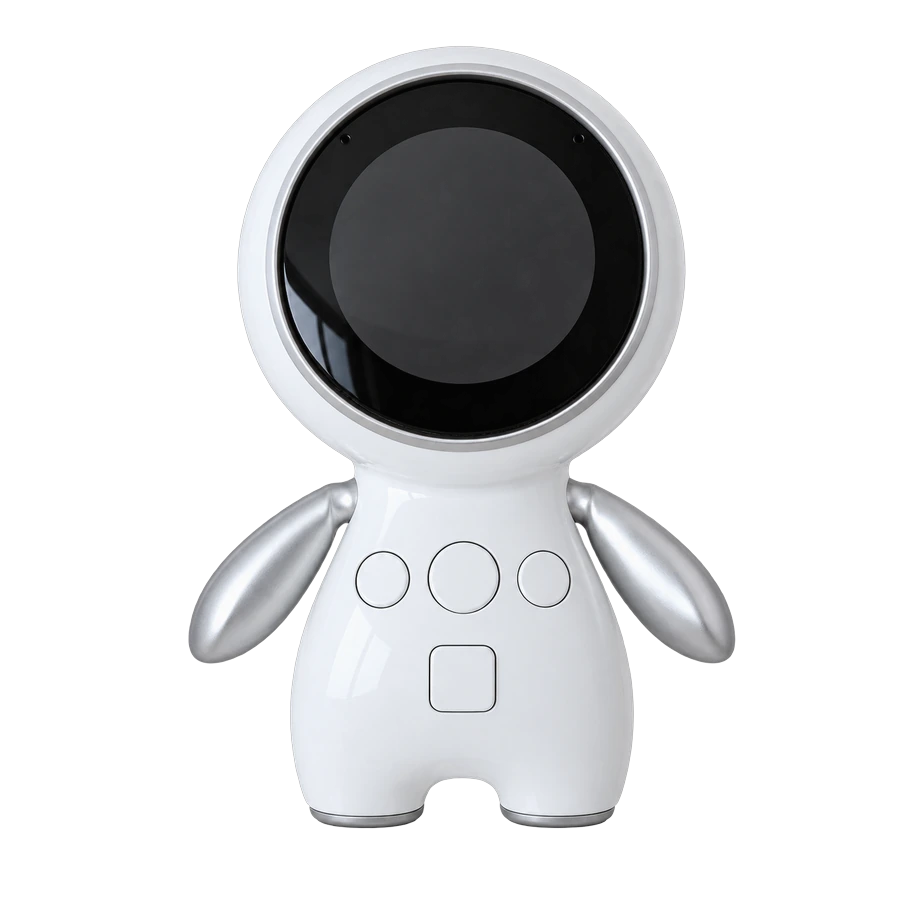
NOVA device
One NOVA device with power and voice conversation features.
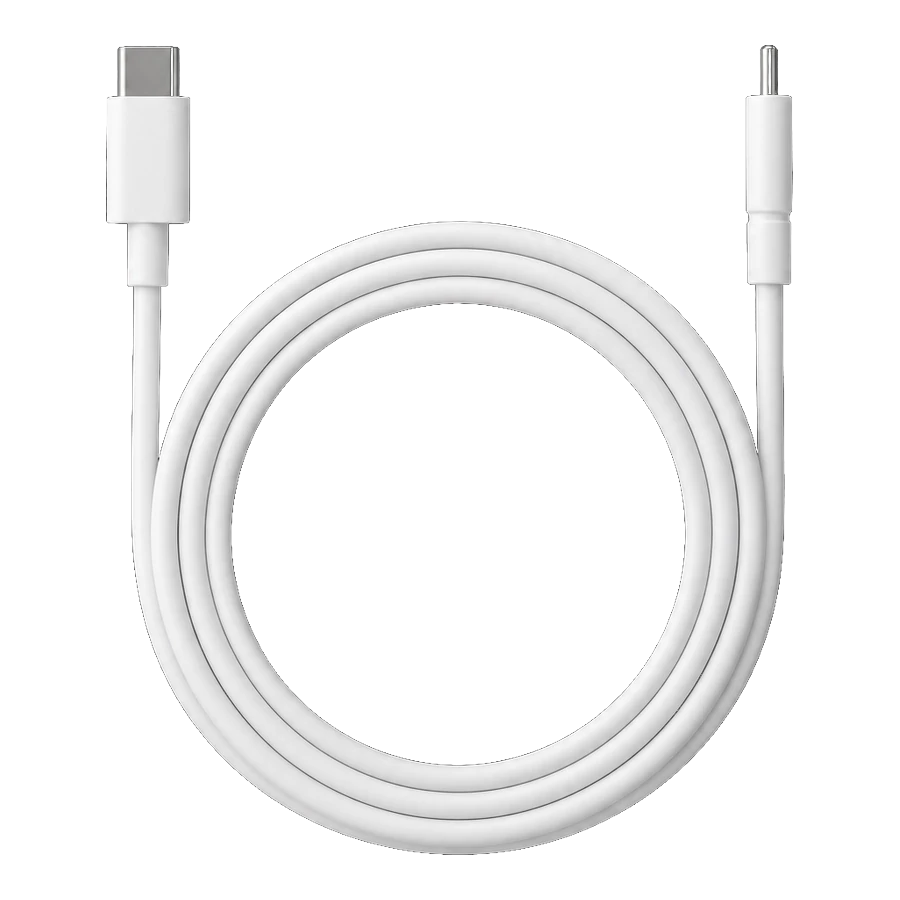
USB-C cable
One USB-C charging cable. A power adapter is not included. We recommend a genuine adapter rated at 5V/2A or below.
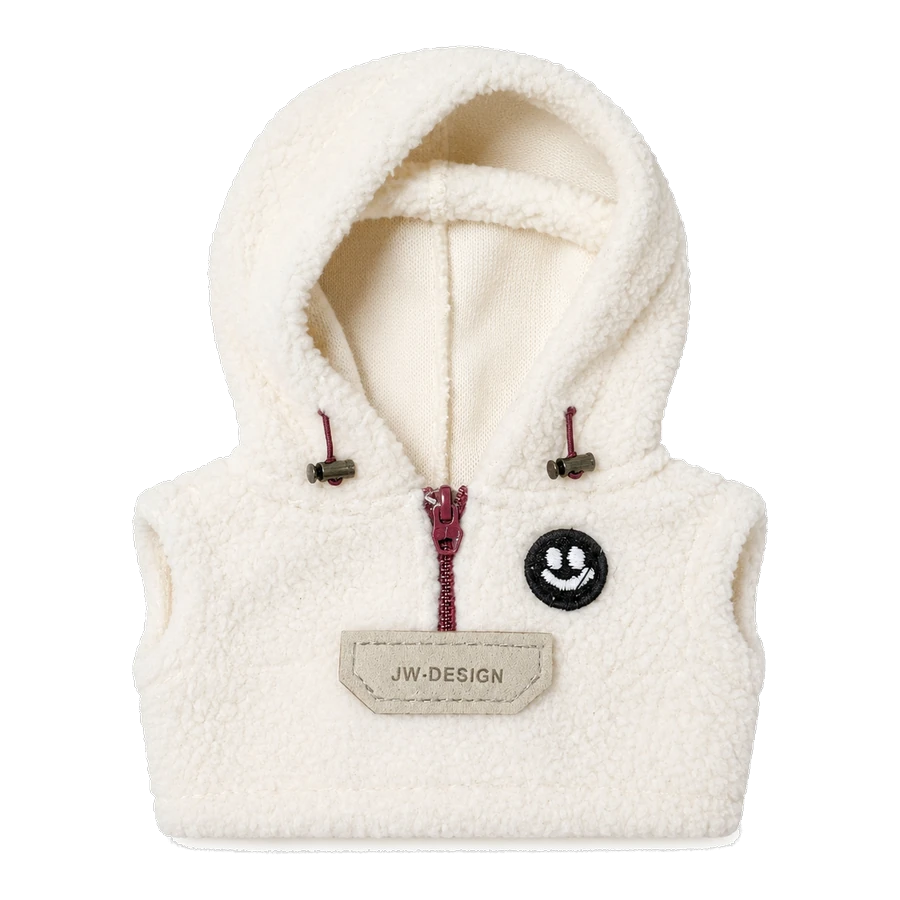
Sample outfit
One sample outfit for NOVA. Do not pull or twist the device when dressing or undressing it.
The manual is available online rather than on paper . We share the link through our KakaoTalk support channel. Add it to your home screen or bookmarks for easy access. Check back whenever you need the latest instructions.
Parts and controls
PARTS & FUNCTIONS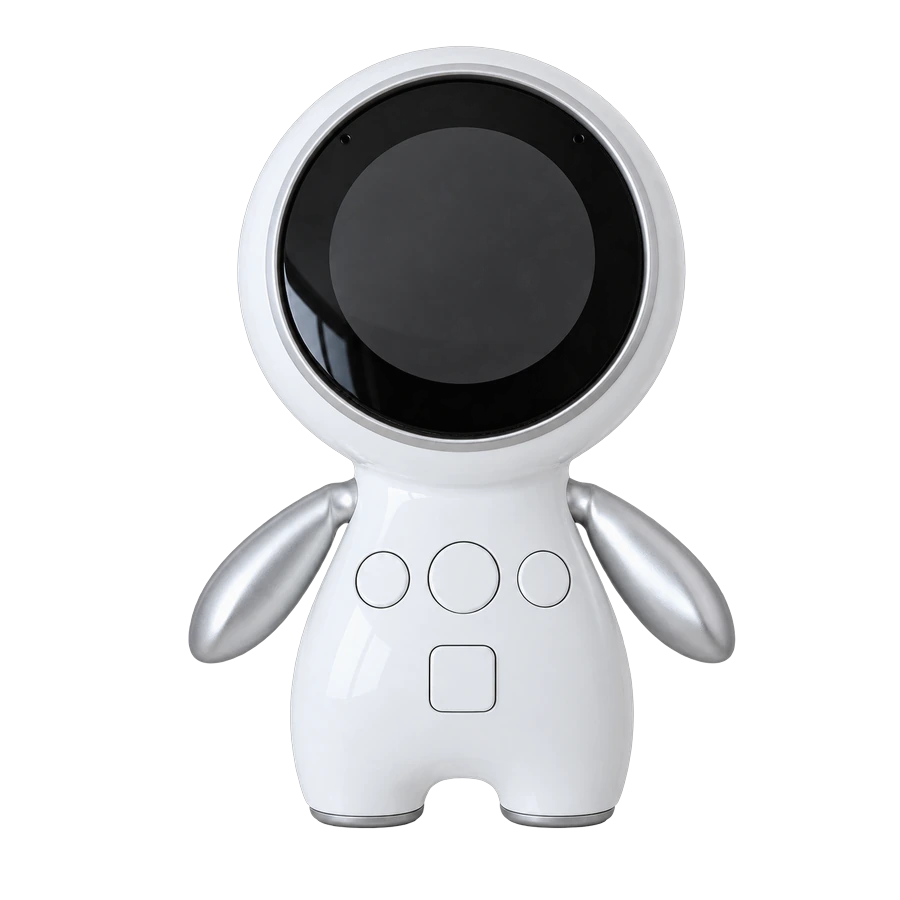
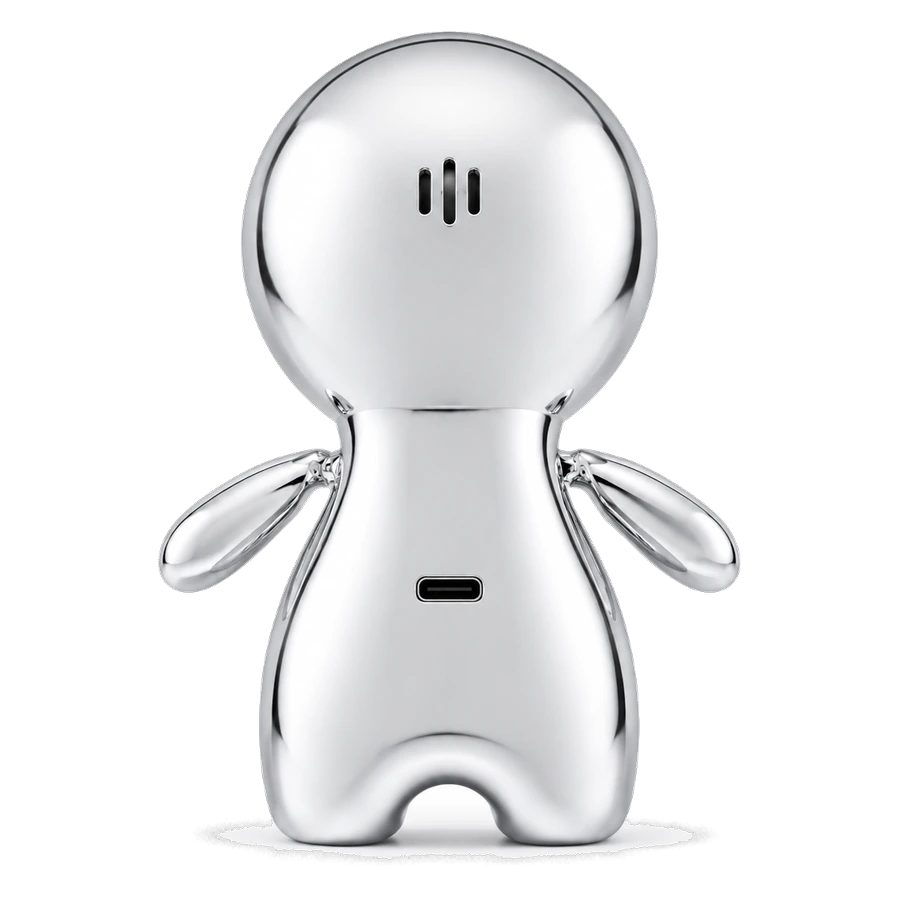
- Microphone MICROPHONE
- Picks up your voice. Keep it clear of hands or clothing for better recognition.
- Speaker SPEAKER
- Plays NOVA's voice. Use the control buttons to adjust volume: left button for volume down (−), right button for volume up (+) .
- Battery indicator BATTERY
- The battery level is shown around the display bezel . The remaining illuminated section shows the charge level.
- Four control buttons CONTROL BUTTON ×4
- Three buttons above and one below form a T-shaped layout . The left button controls volume down (−) , the center button controls conversation activation and selection , the right button controls volume up (+) , and the lower button's function will be described later.
- USB-C charging port USB-C PORT
- Connect the included USB-C cable to charge NOVA.
- SD card SD CARD SLOT
- Stores device data. Please do not remove it during the beta test.